
Platform · Back office experience
The floor sees what the back office decides.
Feeds, audiences, objectives, imports, translations, analytics: the back office is where HQ shapes what every advisor sees, market by market, from one console.
This page walks through the console tab by tab, then goes into the modules behind it like personalisation, import, localisation, live posting, workforce and content requests.
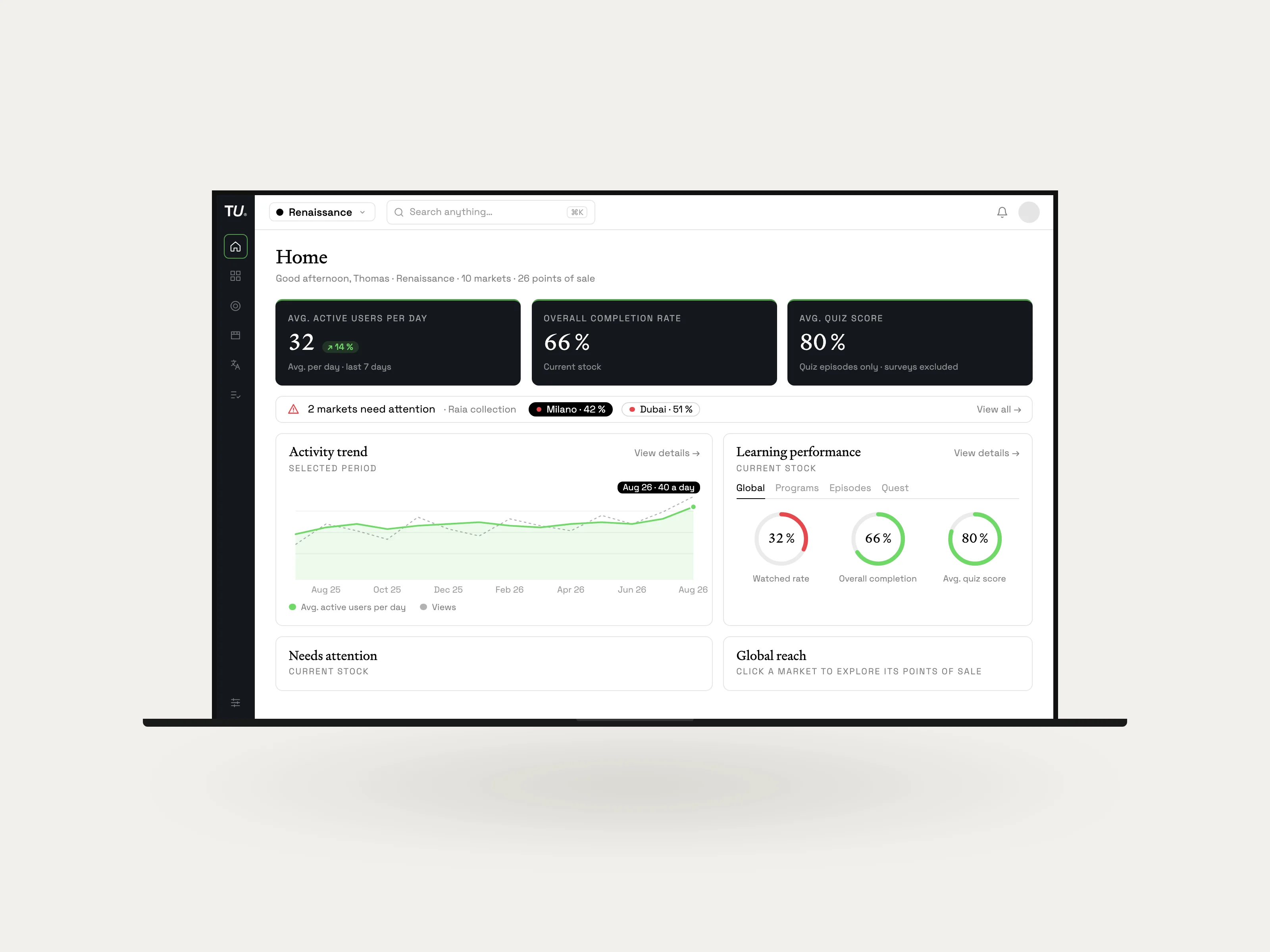
The console
Everything HQ controls, it controls from here.
Who is learning, which stores need a push, what to create next and in which languages. HQ runs all of it from these six tabs.
The rest of this page takes the modules behind them one by one; analytics has a page of its own.
See who is learning, with what results, and where the gaps are.
Completion and quiz scores, from a market to a store to a specific group to a single advisor.


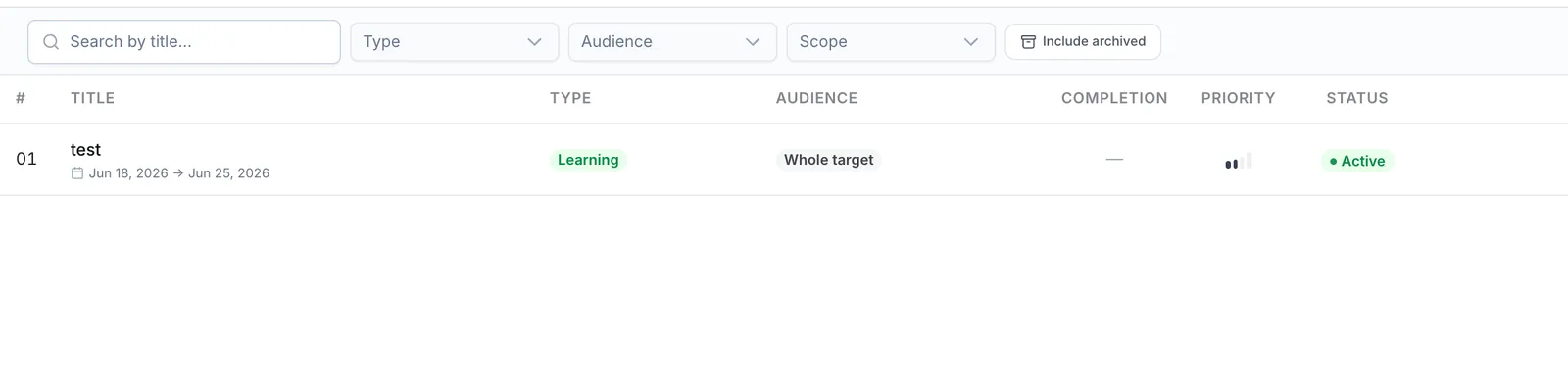










Analytics
Every market, every store, every team member.
A geographic dashboard that lets you drill from a global overview to an individual team member in a specific store. See completion rates, quiz scores, engagement patterns, and knowledge gaps across your entire organisation. In real time.
Filter by market, country, point of sale, or time range. Compare regions side by side. Identify top performers and stores that need attention. Export what you need. No waiting for quarterly reports from a separate analytics team.
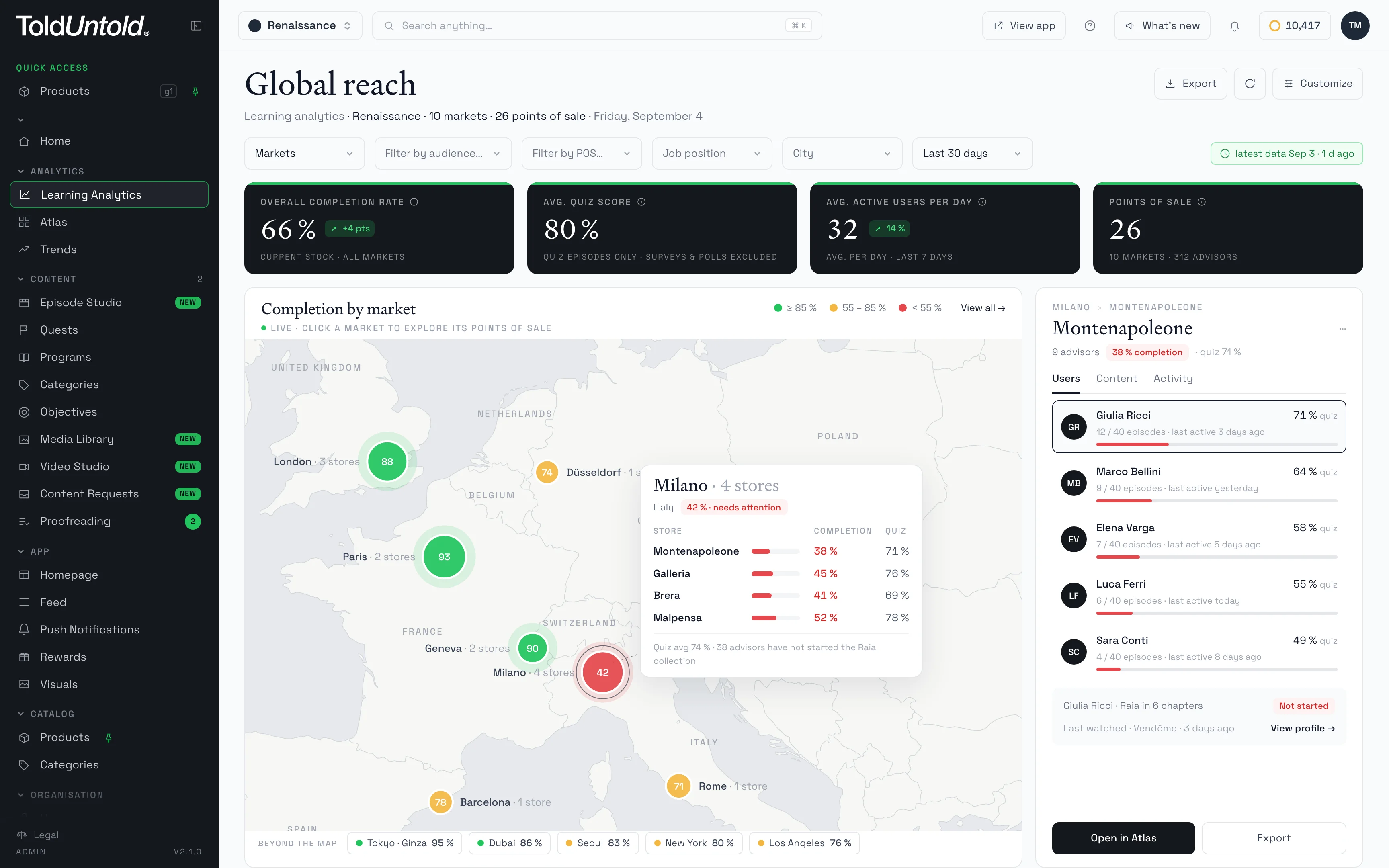
- 1Completion by market
- 2Quiz scores by store
- 3Drill down to one advisor
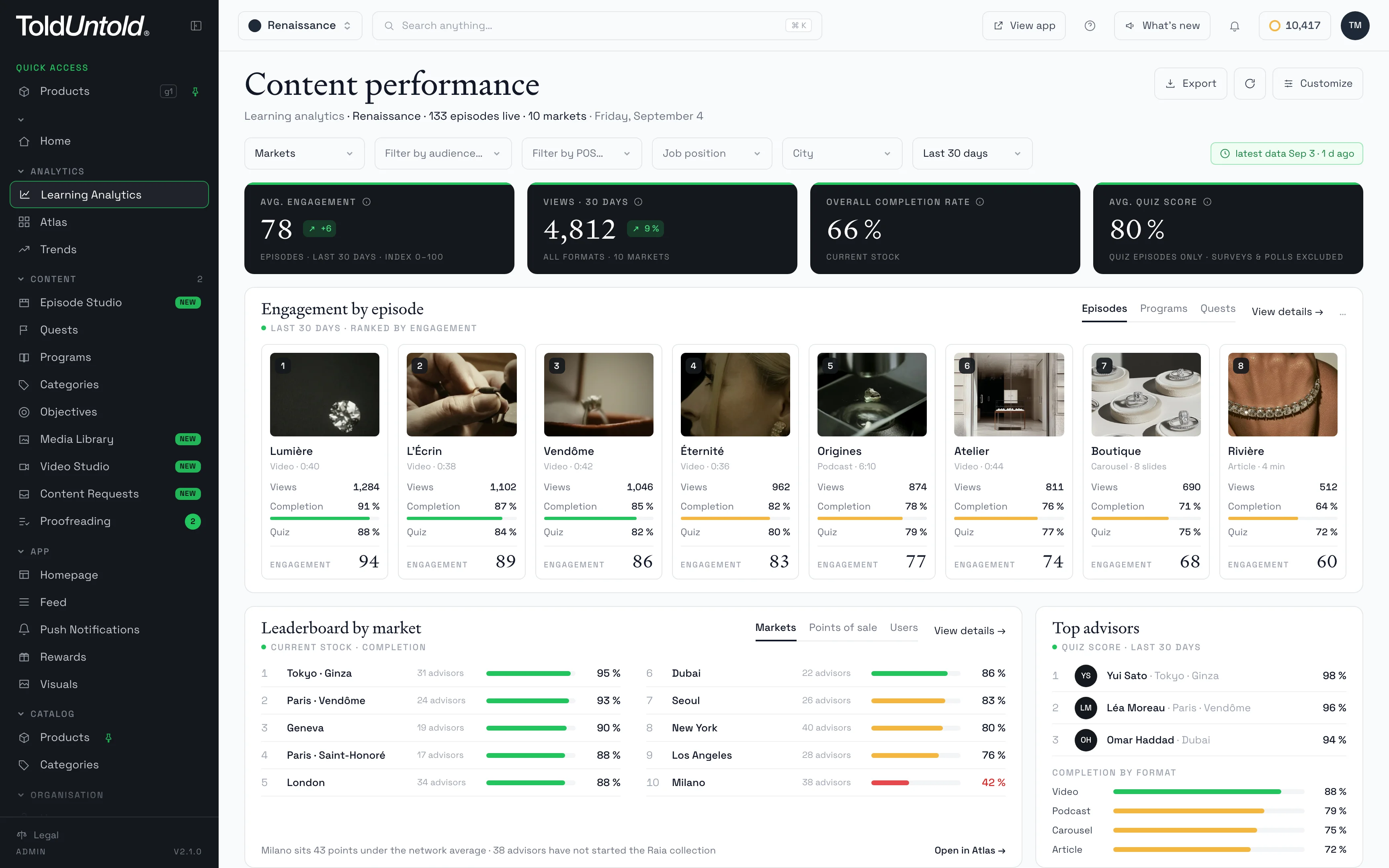
- 1Engagement by episode
- 2Leaderboards by market


Pilot
HQ at the Control Tower.
Every user sees a feed shaped by what they need to learn, driven by intelligent algorithms and controlled by HQ.
Algorithms don't run on autopilot. HQ defines the rules, what's prioritised, what's mandatory, what's promoted by market or store, giving full control over what every team member sees.
- Algorithmic Content Feed
- Content That Finds the User
- Smarter Over Time
Create
Import any format.
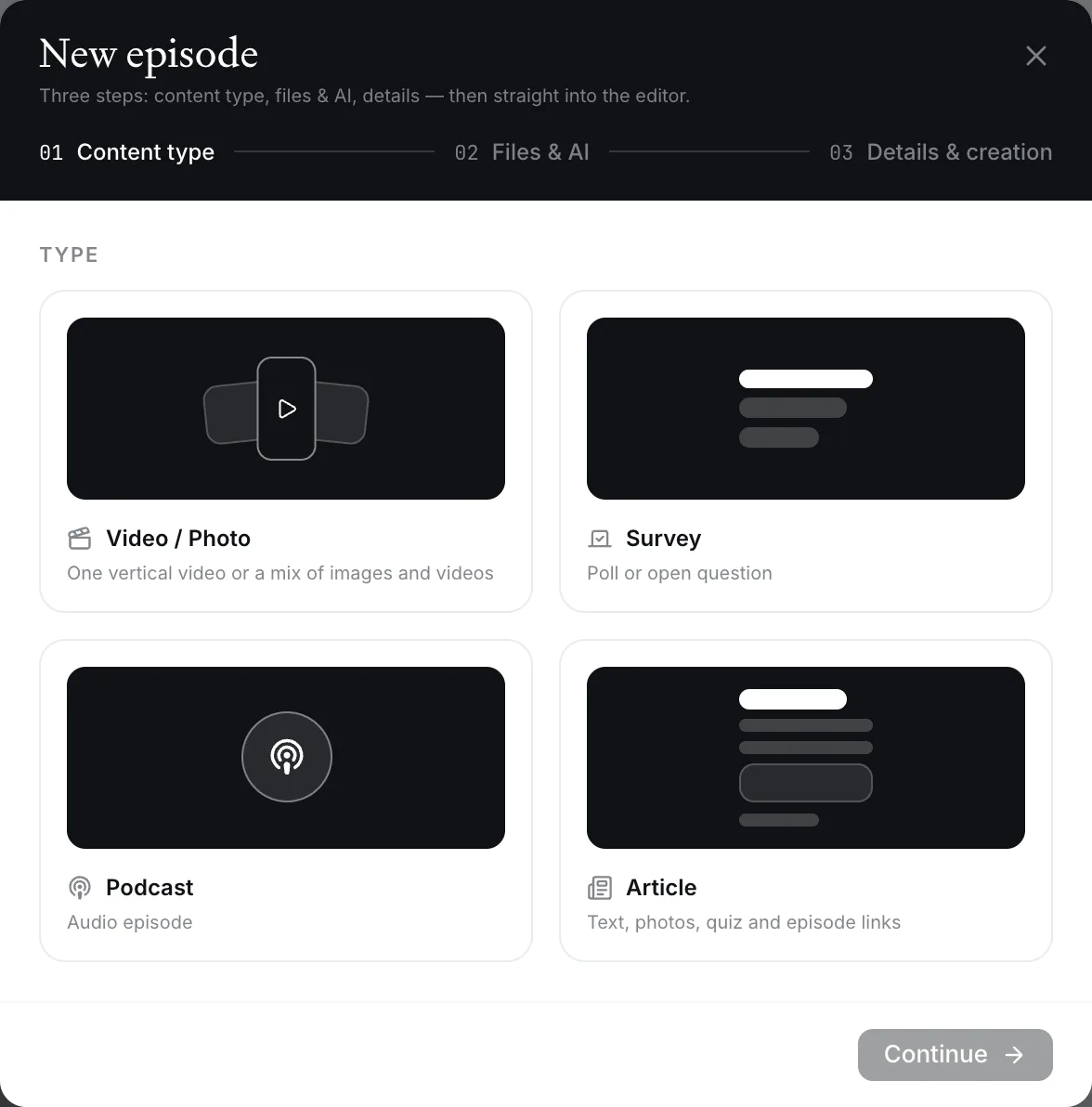
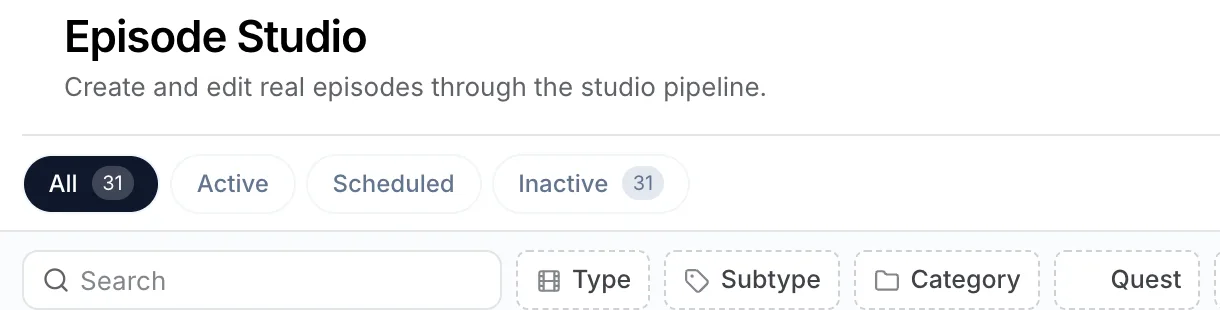
Automates the most time-consuming parts of content production: structuring documents, writing descriptions, generating quizzes, translating materials, and dubbing videos. Your content team focuses on review and creative quality, not on manual document processing.
Upload a document and the system proposes the chapter groupings, the titles, the descriptions and the quizzes. Your team adjusts what it wants and publishes.
- Documents, decks, video, audio, photos and SCORM, imported as they are
- Chapters, descriptions and quizzes, structured by AI
- Edited and published by HQ
Localise
One master program, every market.
Publish a program once at HQ and every market gets it in its own language, translated in full context, dubbed and subtitled in a voice you choose. More than 80 languages.
Market teams proofread the subtitles before anything goes live, so what the advisor reads is what the brand meant.
Brand Voice
Text the platform generates is written in the brand's own voice, so nothing reads as generic.
Translations, quiz drafts, summaries, the agent's answers: the platform writes a great deal with no one at the keyboard. Brand Voice is where the maison decides how all of it sounds. Administrators describe the maison in four panels: its identity and way of speaking, a glossary of its terms in every language, the words it never uses, and instructions for each type of task.
For each automatic action, the platform composes a short brief from those panels and applies it; a lexical check then reads the output against the forbidden list. If the brand sets nothing, the platform works to its own defaults. Once the panels are filled in, everything it produces on its own speaks like the brand.
| Criterion | What runs by default | What the maison sets |
|---|---|---|
| Tone of voice | Writes in a neutral register, clear and correct, the same for every maison. | The Identity panel holds the maison's DNA, its history and its way of speaking; every automatic action draws on it. |
| Translation and subtitles | Translates faithfully into each market's language, with ordinary vocabulary. | The Glossary pairs each of the maison's terms with its equivalent in every language, and translations follow it. |
| Quizzes and descriptions on import | Drafts them from the uploaded document, in standard phrasing. | Instructions written for the import task set the tone and the wording of every draft. |
| Summaries | Condenses the content into a plain digest. | Instructions for the summary task say what to keep and in which register. |
| TU Agent answers | Answers advisors from the maison's content, in the platform's default tone. | The identity and the glossary apply here too, plus instructions written for the agent's answers alone. |
| Merchandising photo review | Reads a photo against the reference guidelines and writes plain notes. | The glossary and the task instructions give the review the maison's names for its displays and products. |
| Glossary and forbidden words | Chooses its vocabulary sentence by sentence, from general language. | The maison's terms carry through every task, and a lexical check catches the words it never uses. |
The maison's administrators edit Brand Voice in the admin, under Settings.
How we use AITell
Your own newsroom.
Our proprietary AI accelerates production, translation, and content creation, while our creative and retail experts ensure the output feels human, relevant, and beautifully on-brand.
It's AI at the service of expertise not the other way around.
- 3 Hours — In just three hours, go from requesting a short video to receiving your first draft.
- Seamless Brand-Aligned Translations
- Automated Course Creation
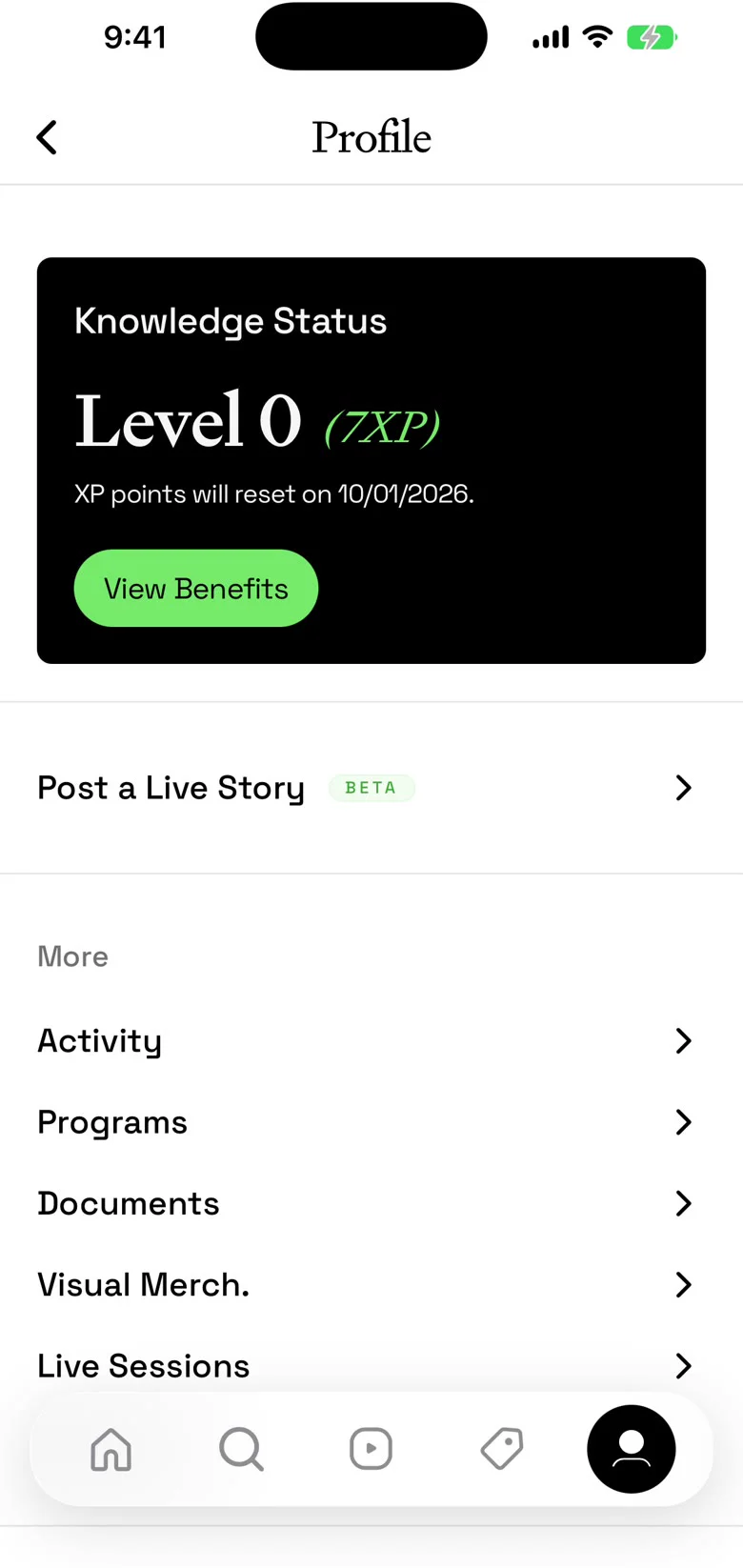
- Live Posting — teams and stores publish their own stories straight from the app, to an audience HQ chooses
Further
Where the console leads.
Platform
Visual merchandising.
The brief, the window and the approval, in one thread.
ExplorePlatform
Business intelligence.
What the training earned, market by market and store by store.
ExploreIT
Integrations & SSO.
Identity, employee data and analytics, connected to the stack you already run.
ExploreReference
Specifications.
Every module's long version, on one page.
ExploreIn detail
The long version, for the people who need it.
Each module, one entry. The full specifications are one page further.
01Content Personalisation
Each team member sees a different feed based on what is relevant to them: their role, their market, their learning history, and what the brand wants to promote right now. HQ stays in full control of the balance, but every individual experience is unique.
Key Capabilities — Personalised episode feed: the mobile home screen shows an algorithmically curated selection, not a static list · Feed draws from multiple sources: assigned quests, followed categories, and market-targeted content · Content served in the learner's preferred language automatically · Market-based filtering ensures teams only see content relevant to their region · Endless scroll with intelligent preloading for instant display · Publication Mix configuration in the admin panel: define the balance between content types using weighted controls for quest versus communication content, user interests, related topics, most popular content, and brand-recommended content · Market-specific mixes: different regions can have different algorithmic priorities · Configurable home page sections and suggestion tabs
Your training director sets the global publication mix: 60% learning quests, 40% corporate communications, with high weight on user interests and moderate brand recommendation. For Europe, they increase the related topics weight. When Sophie in Paris opens the app, she sees her incomplete quests first, then new product training related to what she has already learned, then a corporate communication about the next collection. James in Shanghai sees entirely different content, following the same logic but shaped by his market and personal history.
Specifications — Algorithm inputs: content type, user market assignments, language preference, personal interests and history, content popularity, and brand recommendation weight · Publication mix: weighted controls per dimension, configurable globally and per market · Paginated feed with instant preloading of the first episode · Content targeting: by market and by content category · Activity tracking feeds back into personalisation, making it smarter over time
Most learning platforms show the same catalogue to everyone, perhaps filtered by role. The weighted publication mix gives HQ explicit, granular control over the algorithmic balance, allowing you to promote a new collection launch globally while still respecting each learner's individual journey.
02AI-Powered
Automates the most time-consuming parts of content production: structuring documents, writing descriptions, generating quizzes, translating materials, and dubbing videos. Your content team focuses on review and creative quality, not on manual document processing.
Key Capabilities — Auto-structure: upload a document and AI proposes chapter groupings, titles, descriptions, and key features based on content analysis · AI-generated quizzes from slide content, with explanations, adaptive timing, and shuffled answer order · Per-field regeneration: refresh just the title, description, or features without re-running the full pipeline · Chapter-level AI: generate metadata and quizzes for individual chapters independently · Document-level translation supporting 80+ languages, optimised for quality and cost-efficiency · Video transcription: speech-to-text on dedicated infrastructure, producing accurate subtitles · Subtitle translation into any supported language · Video dubbing pipeline with voice selection, segment-by-segment review, and approval workflow · Text recognition for extracting content from slide images · Intelligent segmentation for large documents, processing in parallel while maintaining coherence across sections · Sovereign AI infrastructure: models run on proprietary servers · Client data is never shared with external services or used to train third-party models
Your content manager uploads a 60-page brand training document. The system splits it into slides, reads the text, then analyses the content. Within moments, it proposes 5 chapters with titles and descriptions. The manager reviews, adjusts one chapter title, then generates quizzes for each chapter. Within seconds, each chapter has contextual questions ready. They add French as a language, the system translates, generates new thumbnails, and the French version is ready. Total time: under 30 minutes for what used to take a week.
Specifications — Multiple AI models available, configurable per environment, with deterministic output settings for consistency · Large document handling: intelligent segmentation ensuring coherent analysis across sections · Translation: document-level processing for maximum accuracy, supporting 80+ languages · Transcription: dedicated speech-to-text infrastructure with automatic language detection · Video encoding: adaptive streaming optimised for all devices and network conditions · Text recognition: automated extraction from all document and slide formats · Full data sovereignty: all processing on proprietary infrastructure, no client data shared externally
The entire pipeline, from upload through structuring, quiz generation, translation, and dubbing, runs end-to-end on sovereign infrastructure. Your data never leaves your control. The speed and quality of this integrated workflow replaces what typically requires multiple external agencies and weeks of coordination.
03Live Posting
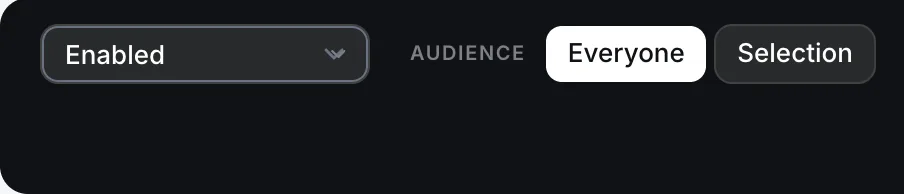
Democratising content creation on the platform, with HQ at the control tower, granting access to posting rights.
User Generated Content — Giving access to users, POS, markets, countries or specific audiences to create their own content instantly like an Instagram Story, straight from their app, and published to a specific target of users, or globally.
Another Stream of Data — Activity from Live Posting is fed directly into the Learning Analytics, as another data stream on user engagement and performance.
Community Engagement — The ability for users to send and share content with their different team members locally and/or globally.
Push Notifications — Like all new content published on the platform, notifications can be activated to the destined users when content is published through Live Posting.